Extract text from PDF
Extract a page range from a PDF and copy the text or save it as TXT. Files and entered content are not sent to or stored on a server.
How to use
Extract a page range from a PDF and copy the text or save it as TXT.
Supported formats & limits
PDF → TXT / UTF-8
PDF: up to 64 MiB and 200 pages per file. Up to 300,000 characters per extraction.
Extracts text stored in a PDF, without OCR for scanned images. Check reading order in complex multi-column documents.
Extract text from PDF User guide
Instructions
- Choose a file and check its contents.
- Leave blank for all pages. Example: 1-3, 5
- Review the result preview, then save.
Example
Input / settings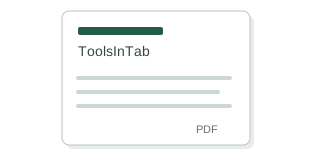
PDF: ToolsInTab
Result / checks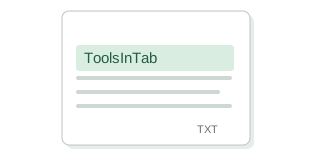
TXT: ToolsInTab
Please note
- Extracts text stored in a PDF, without OCR for scanned images. Check reading order in complex multi-column documents.
- PDF: up to 64 MiB and 200 pages per file. Up to 300,000 characters per extraction.